There are theories that sound like nonsense at first, and then make you rewatch a beloved movie notebook in hand, checking every little detail. One such story concerns the popular film "Fight Club." It's the idea that Marla Singer isn't a separate character at all, but another personality of the Narrator himself.
It sounds wild, since in the plot the main character's split personality gives rise to Tyler Durden, a charismatic character and ego who lives life to the fullest while the Narrator himself suffers from insomnia. But if you look closely at the details, the parallels between Marla and Tyler start standing out too insistently to be dismissed as coincidence.
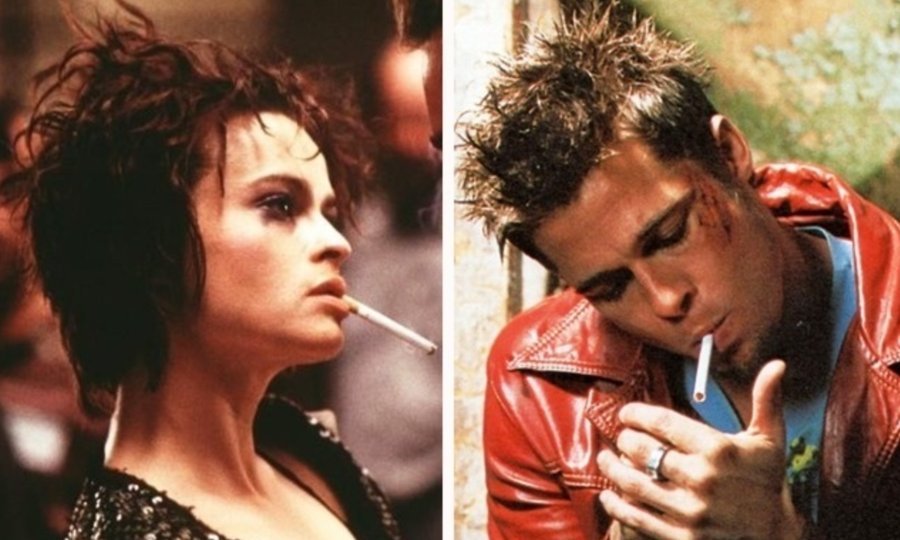
Let's start with the small external details. Both Marla and Tyler barely ever take a cigarette out of their mouths, both dress in a similar aesthetic, both wear similar rings, and both have distinctive, slightly disheveled hairstyles. For a film where every costume and prop detail is thought out down to the millimeter, such a coincidence looks suspiciously deliberate.
Next comes the overlap with the Narrator himself. He and Marla share similar issues with self-perception, both are essentially homeless in an emotional sense and live in cheap hotels, both have a habit of simultaneously switching their wardrobe to something more worn-out, and they even attend the same support groups, pretending to be terminally ill people they aren't. There's a whole system of mirrored details here that's hard to chalk up to screenwriter's coincidence.
If you follow this logic to its conclusion, an intriguing picture emerges. Tyler Durden symbolizes the masculine, destructive, rebellious side of the hero - that image of strength and freedom the Narrator desperately lacks in his gray office life. And Marla, in this scheme, becomes the feminine side of that same personality - the chaotic, vulnerable, yet magnetic side the hero tries with all his might to suppress and keep at a distance.
Hence the strange dynamic of their relationship in the film. The Narrator either hates Marla or can't do without her, while Tyler regularly spends time with her while the hero himself supposedly remembers nothing. If Marla really is part of him, then the whole romantic storyline turns into a story about the hero trying to reconcile different sides of his own psyche, rather than an ordinary love triangle.
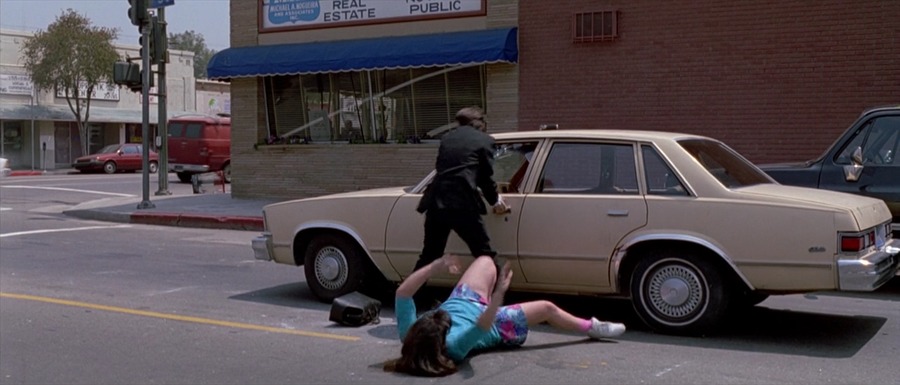
There's also a detail that usually seals the deal for supporters of the theory. In the plot, cars on the road literally don't notice Marla in some scenes, as if she physically doesn't exist for the world around her - just as Tyler doesn't exist for anyone but the Narrator. A small detail easy to miss on a first viewing, but one that fits perfectly into the bigger picture once you know where to look.
Officially, the creators of the film and the book have never confirmed this version, and in Chuck Palahniuk's original source material, Marla is described as a perfectly real, separate character. So this is more of a beautiful fan theory than canon. But that's exactly why "Fight Club" continues to live its own life decades after release. The film is built so tightly and in so many layers that almost any detail can turn into its own puzzle if you look at it from the right angle.